Lidless
Keep your Windows laptop running with the lid closed while coding agents work
not yet reviewed by publik. It is live now; the founder has not reviewed this version yet.
by 
README
Open in GitHublidless for Windows
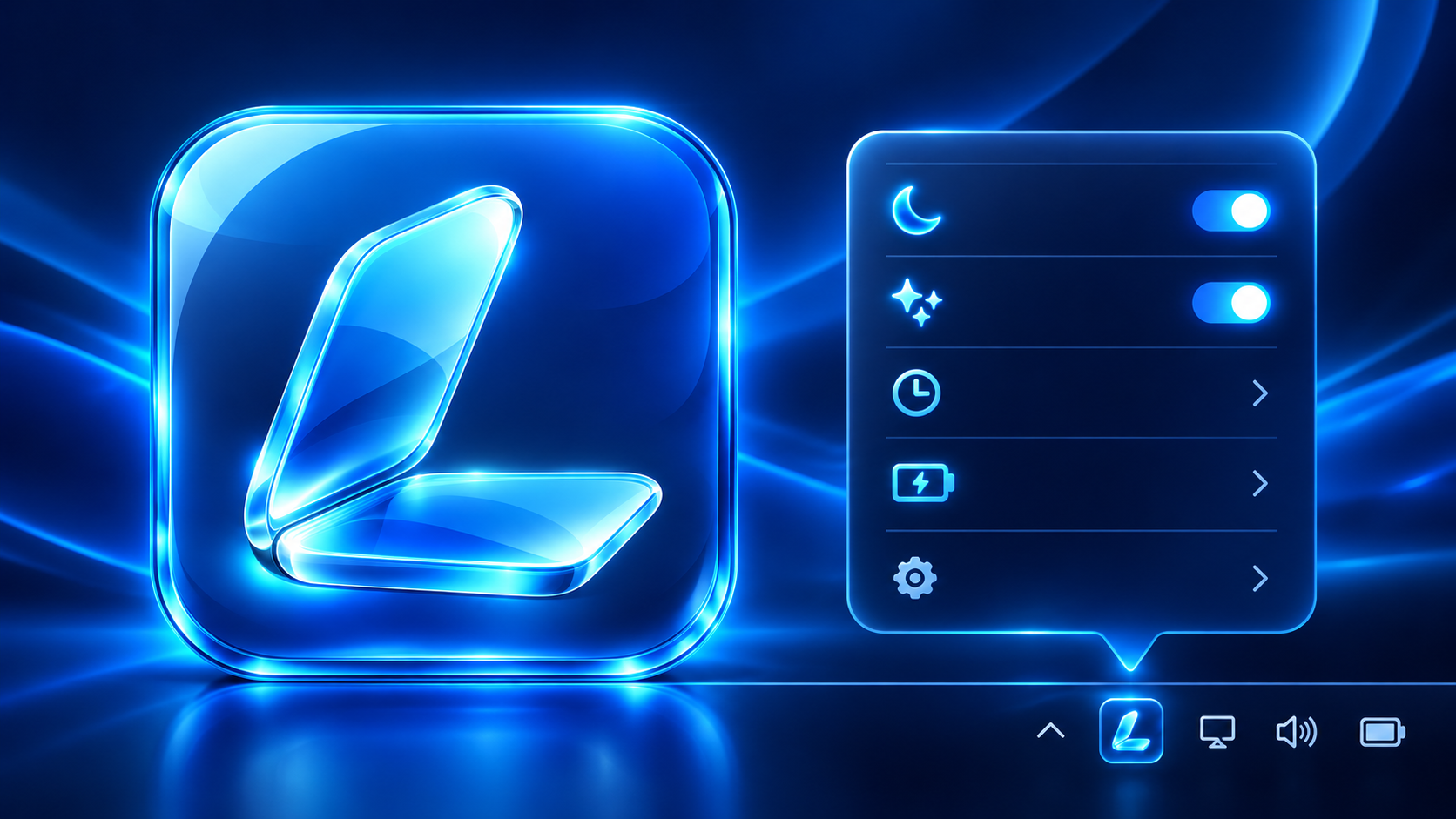
Keep local coding agents running while your Windows laptop lid is closed. Lidless lives in the system tray, so the controls are one right-click away.
Download the Windows installer · Download the portable EXE
Windows install guide on Publik · Windows listing
On a Mac? Get Lidless for macOS on Publik. It is a separate macOS app based on the original project; this repository builds the Windows version.
At a glance
- Tray-only controls: right-click the icon for Keep awake, timers, guards, startup, and Quit.
- Agent aware: stays awake for active local Codex or Claude Code turns, then waits the delay you choose before restoring normal lid behavior.
- Safety checks: low-battery and CPU-temperature guards pause the keep-awake request when needed.
- Two ways to get it: an installer and a portable EXE, both linked above.
Lidless is a tray-only Windows app inspired by Lidless. It temporarily sets the active power plan's lid-close action to Do nothing and asks Windows to stay awake while work runs. It restores the saved AC and battery lid actions when you turn it off or quit. A watchdog restores them if the tray app exits unexpectedly.
Closed-lid behavior
While active, lidless requests that Windows avoid idle sleep; the display may turn off. Windows policy, firmware, or hardware may still override the lid setting, so test on your laptop. Closing the lid does not lock Windows; press Win+L first if you want it locked. If you switch power plans while lidless is active, lidless restores the original plan it changed and leaves the new plan alone.
Build locally
Install the .NET 8 SDK and run on Windows:
dotnet publish src/lidless/lidless.csproj -c Release -r win-x64 --self-contained true -p:PublishSingleFile=true -p:EnableCompressionInSingleFile=true -o dist
The portable app is dist/lidless.exe. Inno Setup 6 builds the installer from installer/lidless.iss; GitHub Actions builds and publishes both files.
Licensing
From v0.4.0, original lidless code and artwork are under PolyForm Noncommercial 1.0.0: commercial use needs separate permission. This does not revoke the MIT grants already published for v0.3.0 and earlier; see the previous license. The inspiring project is separately MIT licensed. LibreHardwareMonitorLib is MPL-2.0. See NOTICE.md for details.