Deckhand
Type a topic, get a designed slide deck. Free, with real PowerPoint export.
AI: publik API or your key
not yet reviewed by publik. It is live now; the founder has not reviewed this version yet.
Where Deckhand’s AI runs, and what it costs
Prices are for one typical use: one request of about 1,500 words sent and 375 words back. A higher quality score is better.
On your computer
Not checked yet: publik has not read whether Deckhand can run its AI on your computer.
publik API
- Price
- $0.0100 per use, $10.00 per 1,000 usespublik-balanced, the default level
- Quality
- MiMo-V2.6-Pro: 46
- Setup
- Built in. No key to paste; linking your publik account gives $0.05 of free use, once.
Your own key
- Price
- $0.0013 per use, $1.31 per 1,000 usesMiMo-V2.6-Pro at OpenRouter’s list price, before its fee for buying usage
- Quality
- MiMo-V2.6-Pro: 46
- Setup
- Open a provider account, add a card, paste the key into Deckhand.
Quality and price, side by side
| Model | Quality | Per 1,000 uses |
|---|---|---|
| On your computer (Ollama, 4-bit download size) | ||
| Granite 4.2 3B2.2 GB | 9 | $0 |
| Phi-4 Mini2.5 GB | 6 | $0 |
| Llama 3.1 8B4.9 GB | 7 | $0 |
| gpt-oss 20B14 GB | 9 | $0 |
| Gemma 4 31B20 GB | 19* | $0 |
| Qwen3.5 35B-A3B24 GB | 19* | $0 |
| publik API | ||
| publik-fastGLM-5.3 Flash | 42 | $1.00 |
| publik-balancedMiMo-V2.6-Pro · Deckhand | 46 | $10.00 |
| publik-smartGPT-6 Sol | 48 | $18.00 |
Quality: Artificial Analysis Intelligence Index v4.3.2, read 2026-09-22 (publik API models 2026-09-25); * = estimated by Artificial Analysis. Sizes: the Ollama library, read 2026-09-22.
What you pay for
- On your computer: nothing per use. You pay in disk space, memory and electricity, at lower quality.
- publik API: publik’s published price for each use, in dollars, from your publik balance. It is above the model’s cost; the difference runs publik and pays the app’s builder.
- Your own key: the provider’s price, billed to an account you keep with the provider.
How to install Deckhand
Every step written out. No terminal experience needed. Pick your setup.
README
Open in GitHub
Deckhand
Type a topic, get a designed slide deck, and export it as real, editable PowerPoint. Free and open source.
Open Deckhand · Deckhand on Publik · MIT licensed
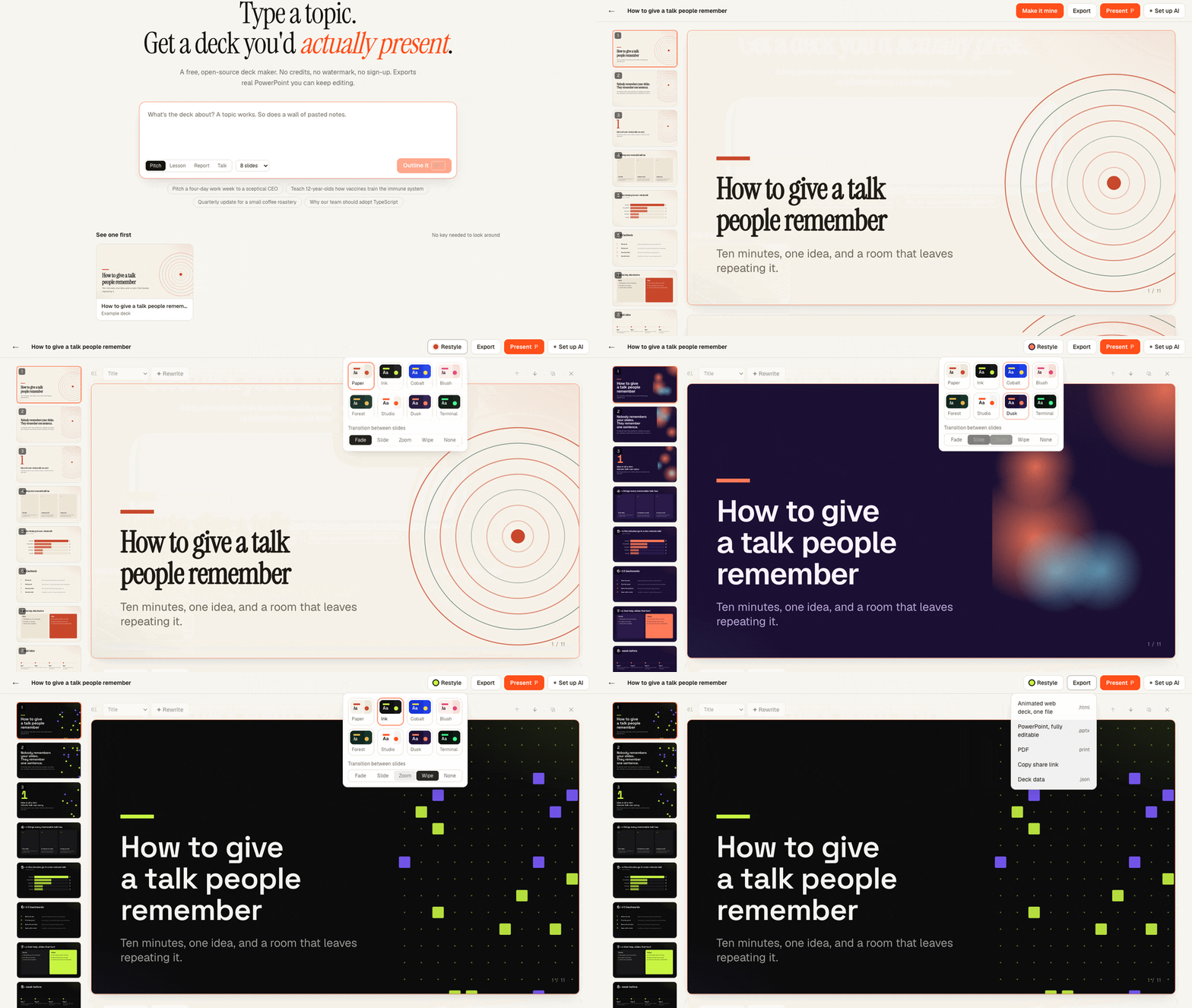
The live app: open the example deck, restyle it through four themes, open Export. No model call in this clip.
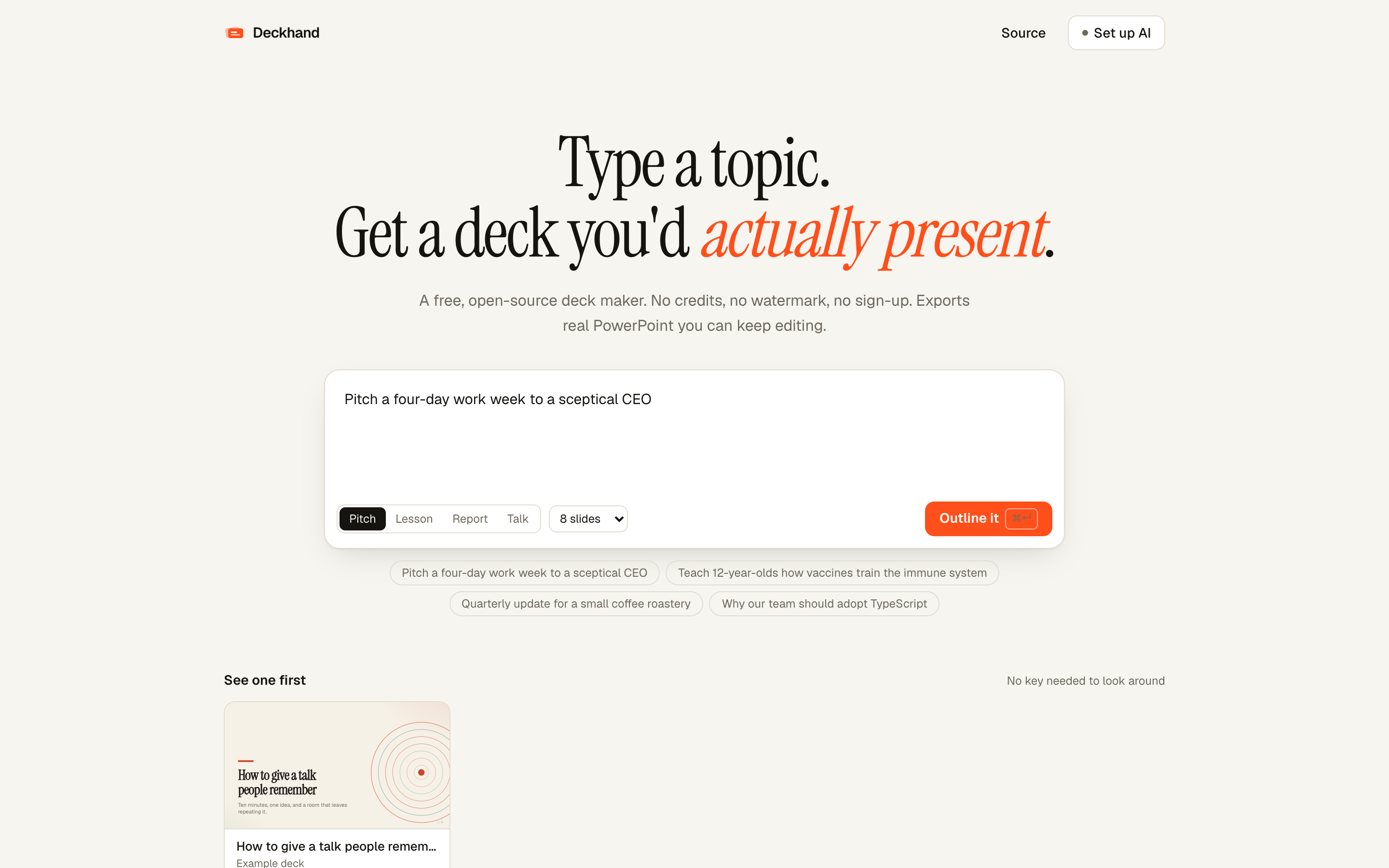 | 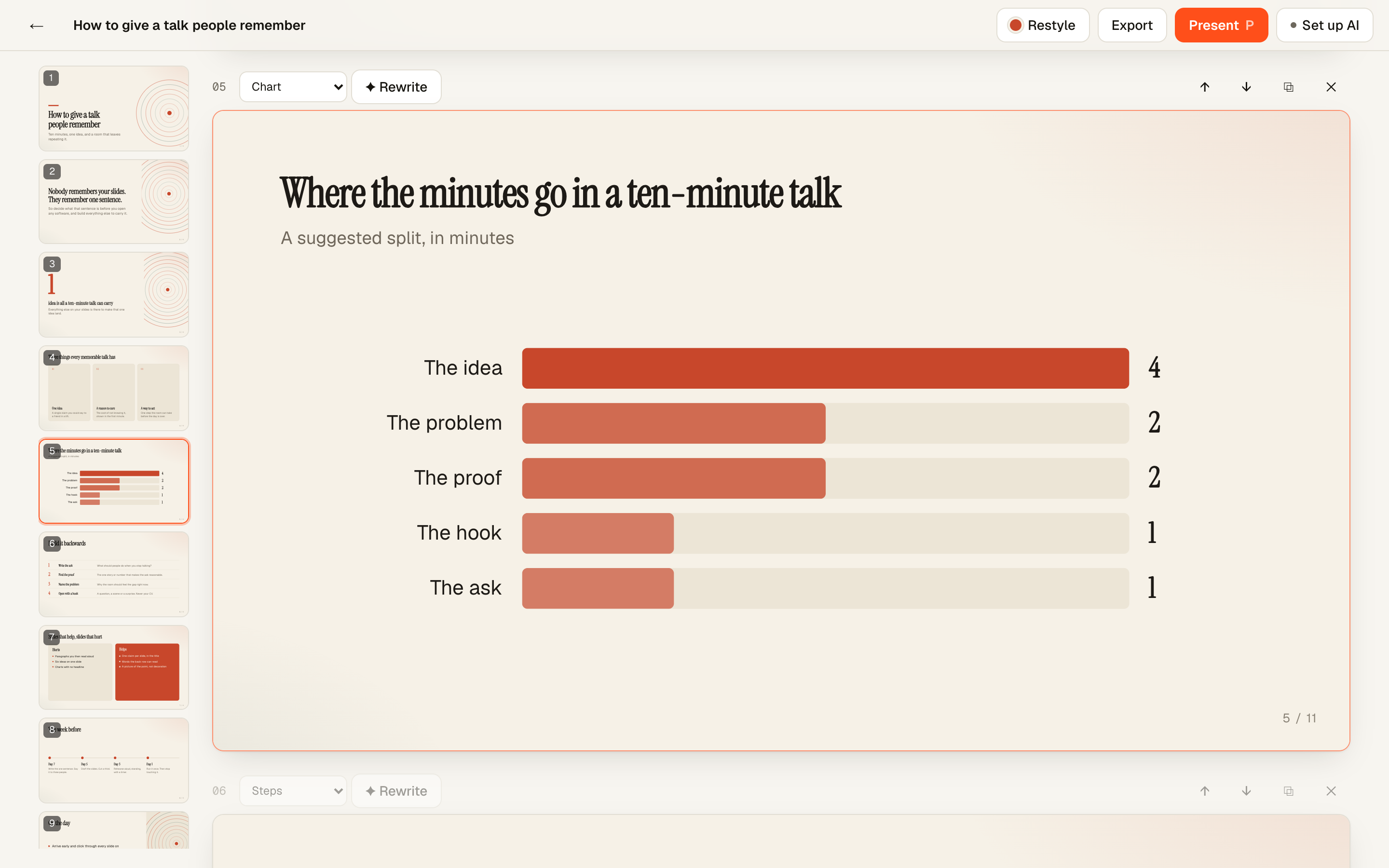 |
| Start from a topic or pasted notes. Pick a kind of deck and a length. | Edit anything. Switch a slide's layout, reorder, or ask the AI to rewrite one slide. |
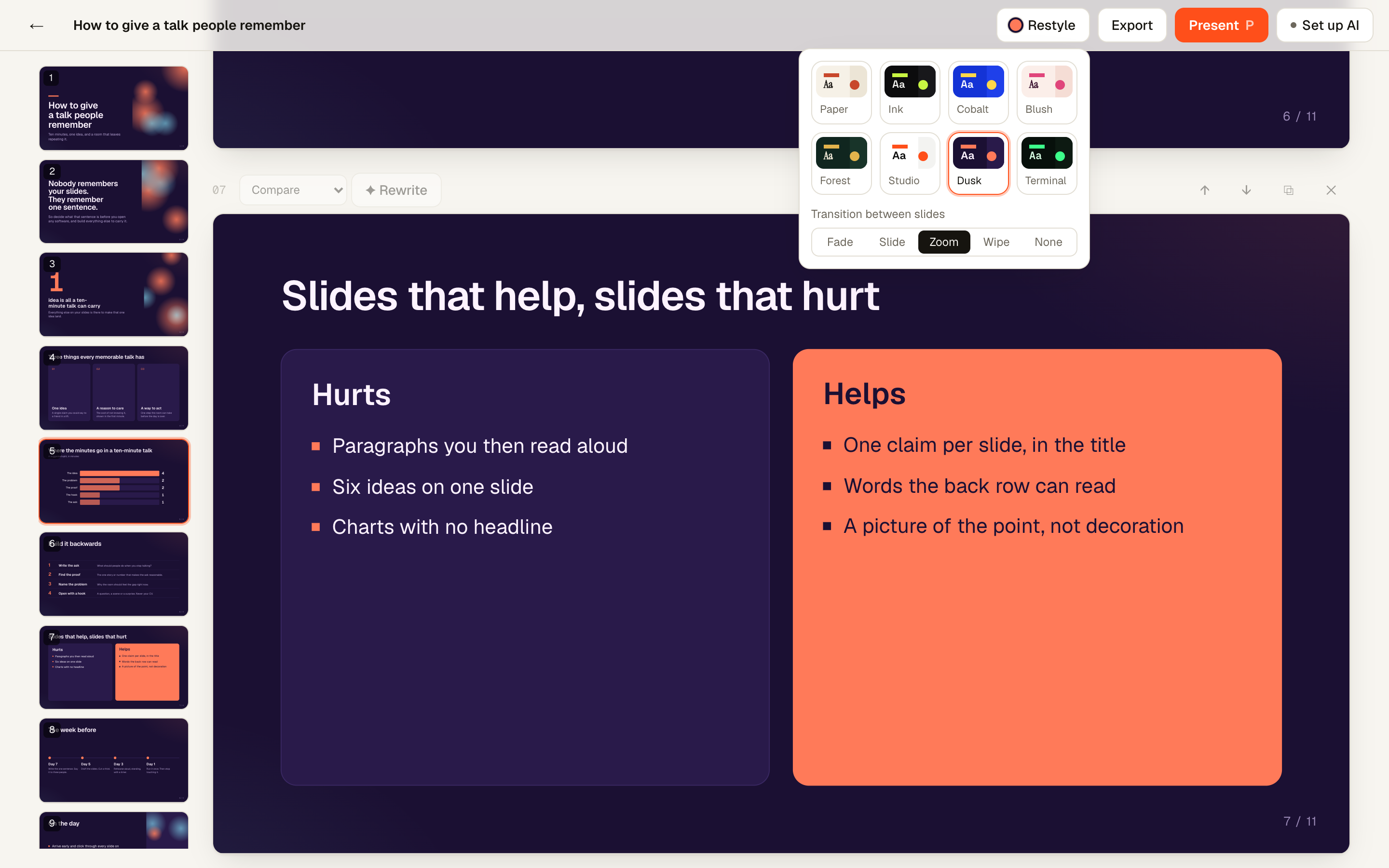 | 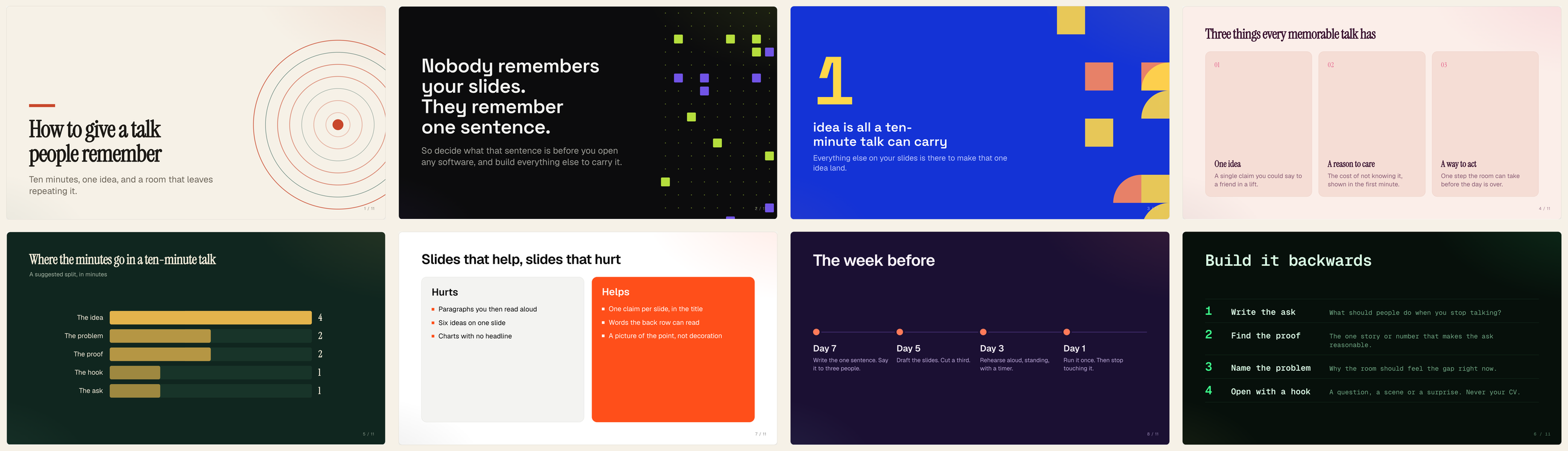 |
| Restyle in one click. Eight themes and five slide transitions. | Thirteen layouts. The same deck's slides, each shown in a different theme. |
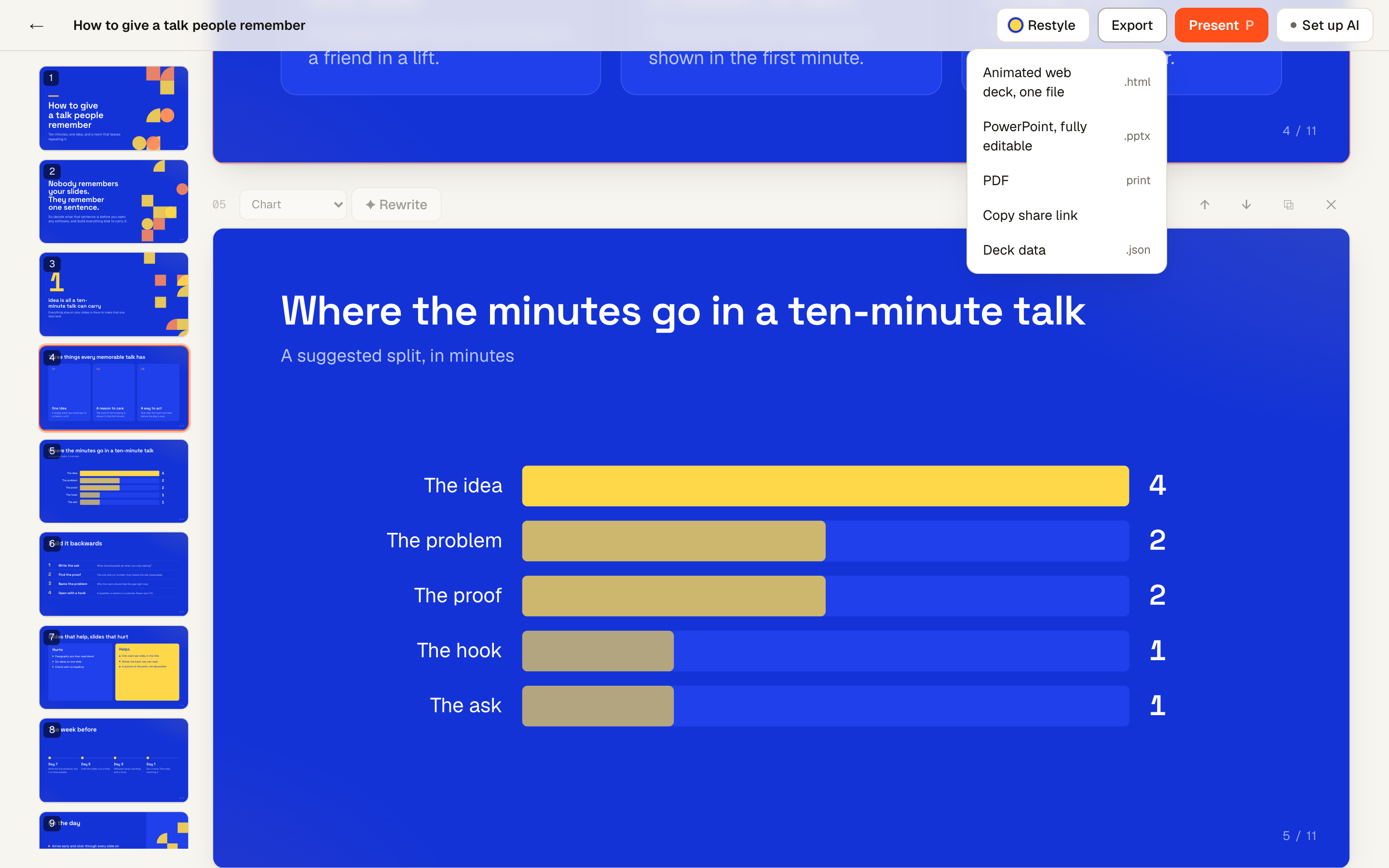 | 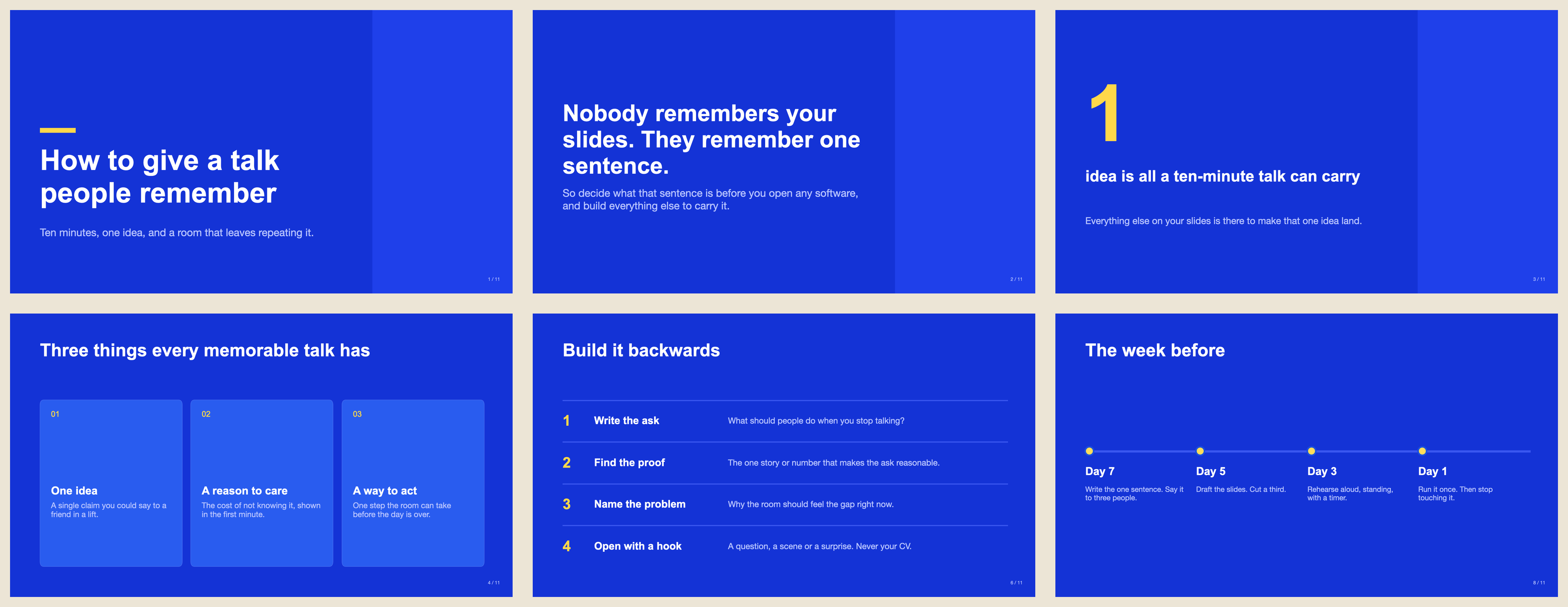 |
| Export. PowerPoint, one-file animated HTML, PDF, or a share link. | Real PowerPoint. The exported .pptx, rendered by macOS Quick Look. Text and shapes are native objects. |
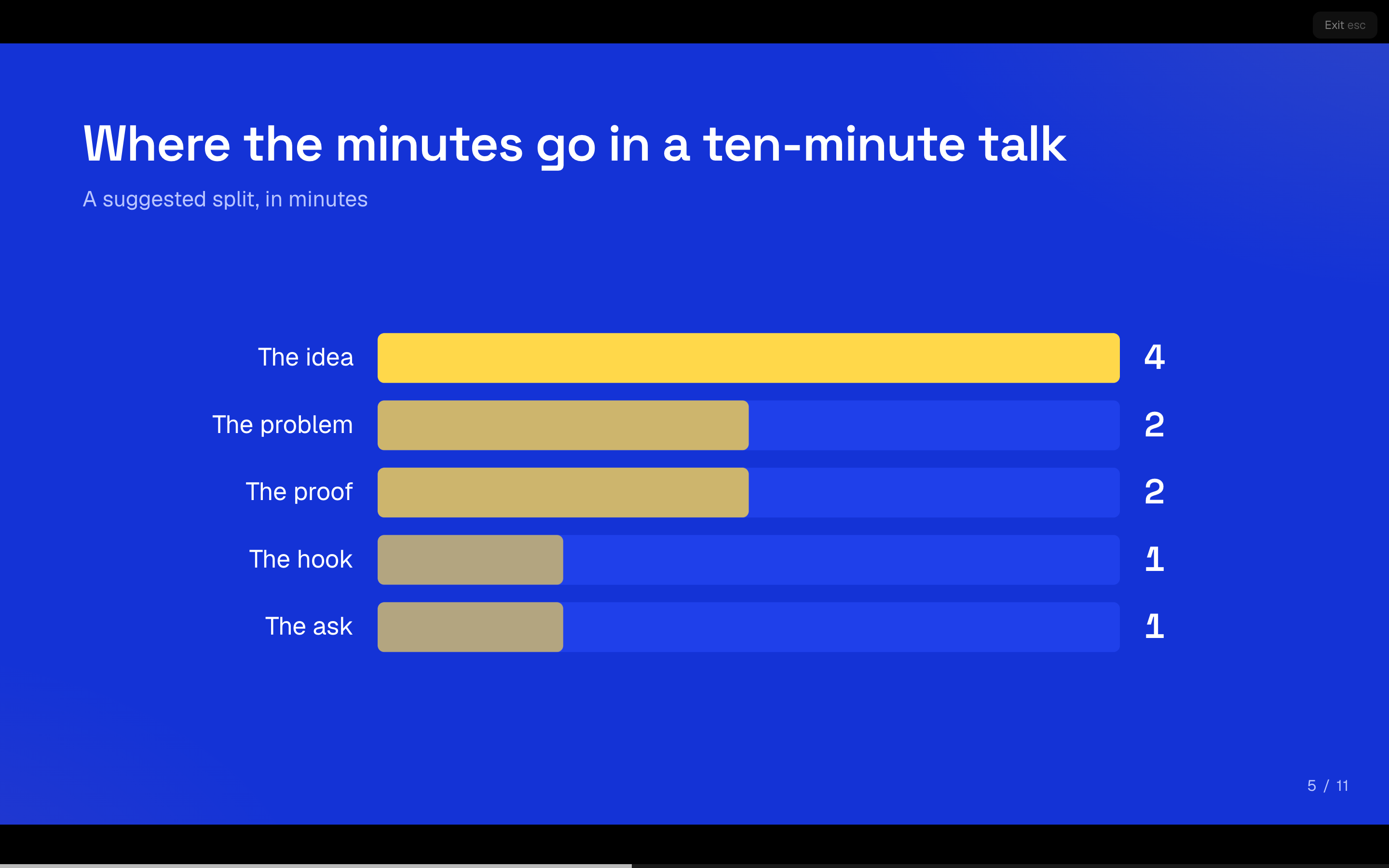 | 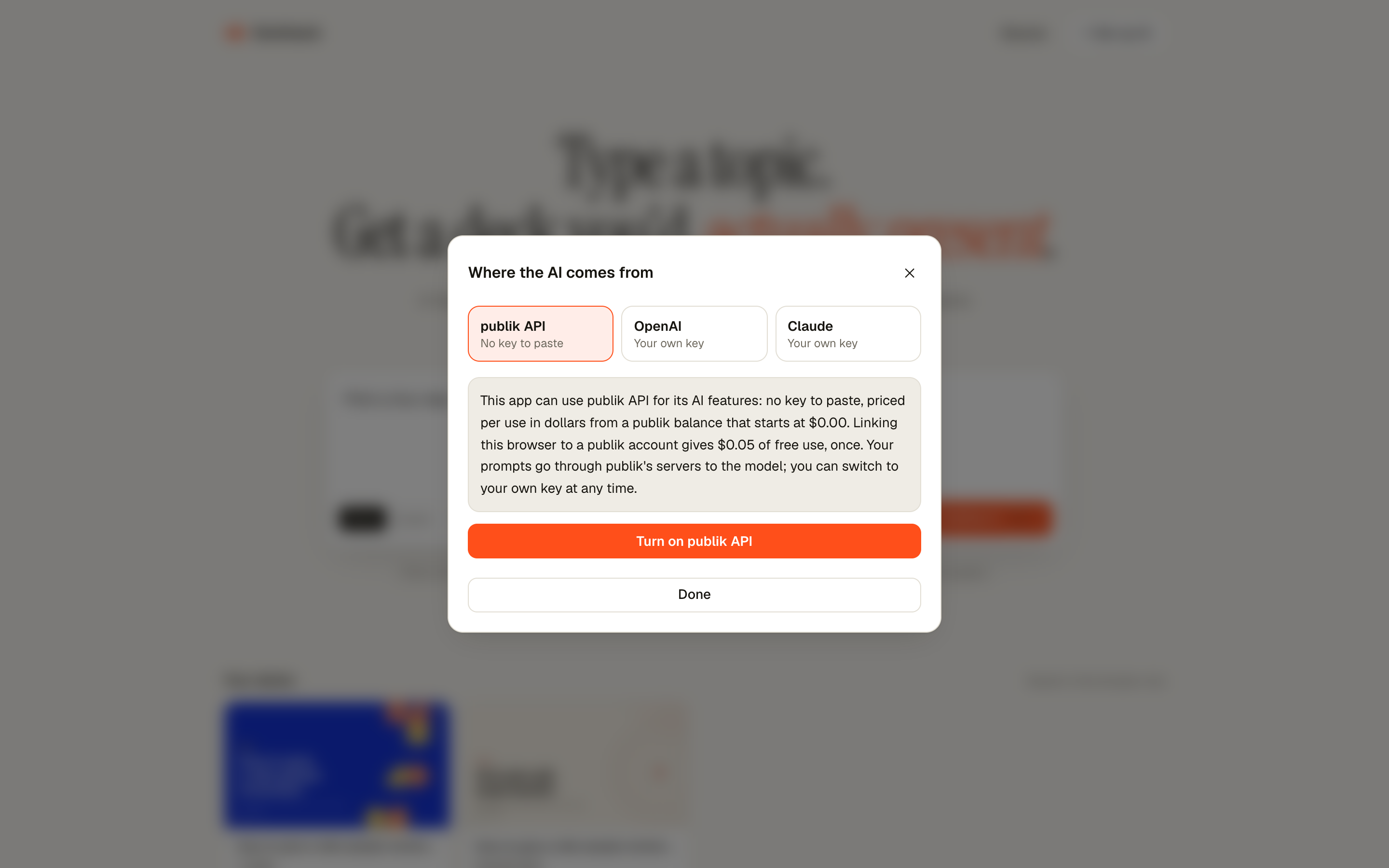 |
| Present full screen, straight from the browser. | Pick where the AI comes from. publik API, or your own OpenAI or Anthropic key. |
Every screenshot is the live app at deckhand-dusky.vercel.app. The deck shown is the built-in example deck, which is hand-written and ships with the app; it was not generated by a model for these images. Dark mode is supported too (screenshot).
What you get
- No credits, no watermark, no sign-up. Decks are saved in your browser.
- Real PowerPoint export. Titles, bullets, cards and charts are native, editable objects, not pictures of slides.
- Thirteen layouts, eight themes. Stats, timelines, comparisons, charts, quotes, big numbers. Restyle the whole deck in one click.
- It moves. Slides build in with staggered motion, numbers count up, bars grow, and you pick the transition between slides.
- Your deck as code. Export one self-contained, animated
.htmlfile that plays in any browser. - Edit anything. Click any text to change it, switch a slide's layout, or ask the AI to rewrite one slide.
- Share by link. The whole deck is packed into the URL; nothing is uploaded.
- Bring any model. publik API (no key to paste), your own OpenAI or Anthropic key, or any OpenAI-compatible endpoint such as OpenRouter or Ollama.
Compared with Gamma
Gamma is the polished, paid option and does more. Deckhand is for people who want a free, open deck maker with real PowerPoint export and their own choice of model. Gamma details are from gamma.app/pricing, checked November 10, 2026.
| Deckhand | Gamma | |
|---|---|---|
| Price of the app | Free, MIT licensed | Free plan; Plus $12/mo ($9/mo billed yearly); Pro $25/mo ($18/mo yearly); Ultra $100/mo ($90/mo yearly) |
| What the AI costs | Pay per use from a publik balance (starts at $0.00; linking a publik account adds $0.05 once), or your own OpenAI or Anthropic key billed by them | 400 credits at signup on Free; 1,500 to 20,000 monthly credits on paid plans |
| Account needed | No | Yes |
| Gamma or Deckhand branding | None | Removing Gamma branding is listed as a Plus feature |
| PowerPoint export | Yes, native editable text, shapes and charts | Yes, on every plan |
| Other exports | PDF, one-file animated HTML, JSON, share link | PDF, PNG, Google Slides |
| Choice of model | publik API, your own OpenAI or Anthropic key, or any OpenAI-compatible endpoint (OpenRouter, Ollama) | Gamma's built-in models |
| AI images | No, artwork is generative and drawn from the theme | Yes |
| Collaboration, cloud workspace | No, decks live in your browser | Yes |
| Docs, websites, custom domains | No, slide decks only | Yes |
| Source code | Open | Closed |
Run it
npm install
npm run dev
Open http://localhost:3000, click Set up AI, and paste an OpenAI or Anthropic API key. Own keys stay in your browser and go straight to the provider; they never touch the server.
To offer publik API to your visitors, copy .env.example to .env.local and set PUBLIK_APP_TOKEN.
npm run build && npm start            # production
npm run build && PUBLIK_SELF_TEST=1 npm start   # prove the publik wiring, then exit
How it works
- Outline. The model plans the deck as one JSON object per line: a title and a one-sentence gist for each slide. You edit the plan before anything is built.
- Slides. The model writes each slide as one line of JSON, choosing from thirteen layout shapes. A tolerant line parser renders every slide the moment its line completes, so cards appear while the rest is still being written.
- Render. Slides are drawn on a fixed 1280×720 canvas from theme tokens, so restyling never touches content and print, present and export all match.
Slide JSON is normalised before it is drawn (lib/parse.ts), so a weaker model's sloppy output still produces a valid deck.
Limits, honestly
- No images yet: artwork is generative and drawn from the theme.
- No accounts or collaboration. Decks live in one browser unless you share a link or export.
- PowerPoint export uses system fonts, so type differs slightly from the web view.
- The model can be wrong. The prompts forbid invented statistics, but check any number before you present it.
Stack
Next.js (App Router), TypeScript, Tailwind, pptxgenjs. MIT licensed.