Looseleaf
Handwriting notebook for iPad and Apple Pencil that runs in your browser, free.
AI: publik API or your key
not yet reviewed by publik. It is live now; the founder has not reviewed this version yet.
Where Looseleaf’s AI runs, and what it costs
Prices are for one typical use: one request of about 1,500 words sent and 375 words back. A higher quality score is better.
On your computer
Not checked yet: publik has not read whether Looseleaf can run its AI on your computer.
publik API
- Price
- $0.0100 per use, $10.00 per 1,000 usespublik-balanced, the default level
- Quality
- MiMo-V2.6-Pro: 46
- Setup
- Built in. No key to paste; linking your publik account gives $0.05 of free use, once.
Your own key
- Price
- $0.0013 per use, $1.31 per 1,000 usesMiMo-V2.6-Pro at OpenRouter’s list price, before its fee for buying usage
- Quality
- MiMo-V2.6-Pro: 46
- Setup
- Open a provider account, add a card, paste the key into Looseleaf.
Quality and price, side by side
| Model | Quality | Per 1,000 uses |
|---|---|---|
| On your computer (Ollama, 4-bit download size) | ||
| Granite 4.2 3B2.2 GB | 9 | $0 |
| Phi-4 Mini2.5 GB | 6 | $0 |
| Llama 3.1 8B4.9 GB | 7 | $0 |
| gpt-oss 20B14 GB | 9 | $0 |
| Gemma 4 31B20 GB | 19* | $0 |
| Qwen3.5 35B-A3B24 GB | 19* | $0 |
| publik API | ||
| publik-fastGLM-5.3 Flash | 42 | $1.00 |
| publik-balancedMiMo-V2.6-Pro · Looseleaf | 46 | $10.00 |
| publik-smartGPT-6 Sol | 48 | $18.00 |
Quality: Artificial Analysis Intelligence Index v4.3.2, read 2026-09-22 (publik API models 2026-09-25); * = estimated by Artificial Analysis. Sizes: the Ollama library, read 2026-09-22.
What you pay for
- On your computer: nothing per use. You pay in disk space, memory and electricity, at lower quality.
- publik API: publik’s published price for each use, in dollars, from your publik balance. It is above the model’s cost; the difference runs publik and pays the app’s builder.
- Your own key: the provider’s price, billed to an account you keep with the provider.
How to install Looseleaf
Every step written out. No terminal experience needed. Pick your setup.
README
Open in GitHub
Looseleaf
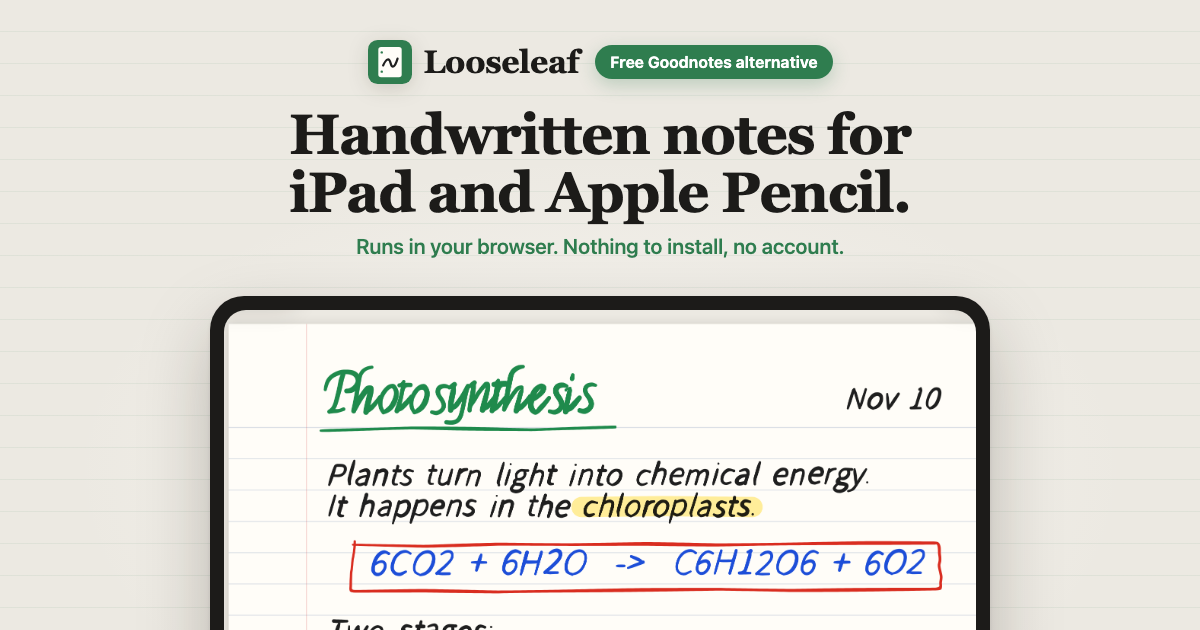
Handwritten notes for iPad and Apple Pencil, right in the browser. Free, no account, no notebook limit.
Open Looseleaf · nothing to install · MIT licensed · a free alternative to Goodnotes
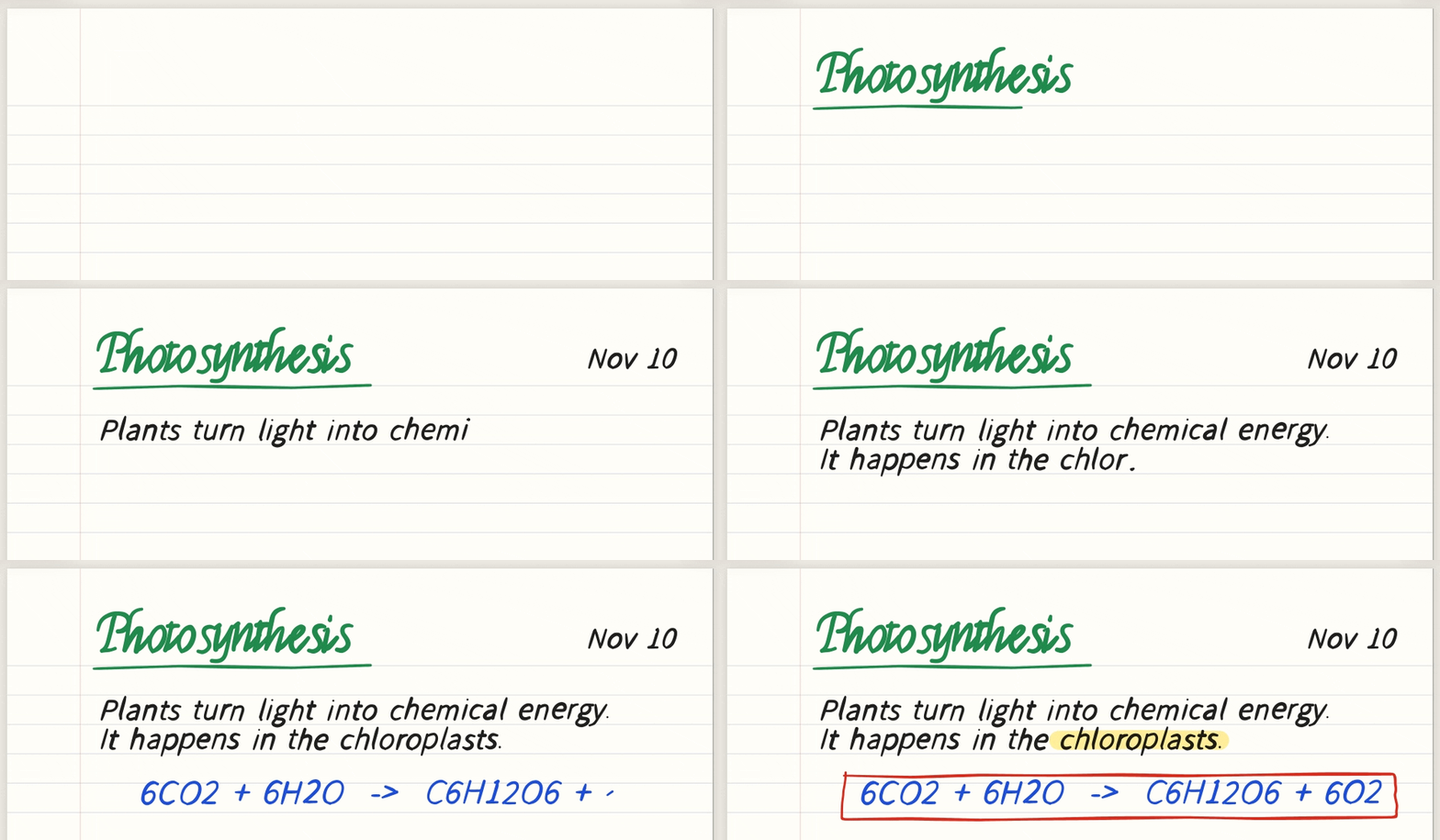
Ink going into the live app. Strokes are scripted pen input, sped up. All notebook content shown here is sample content.
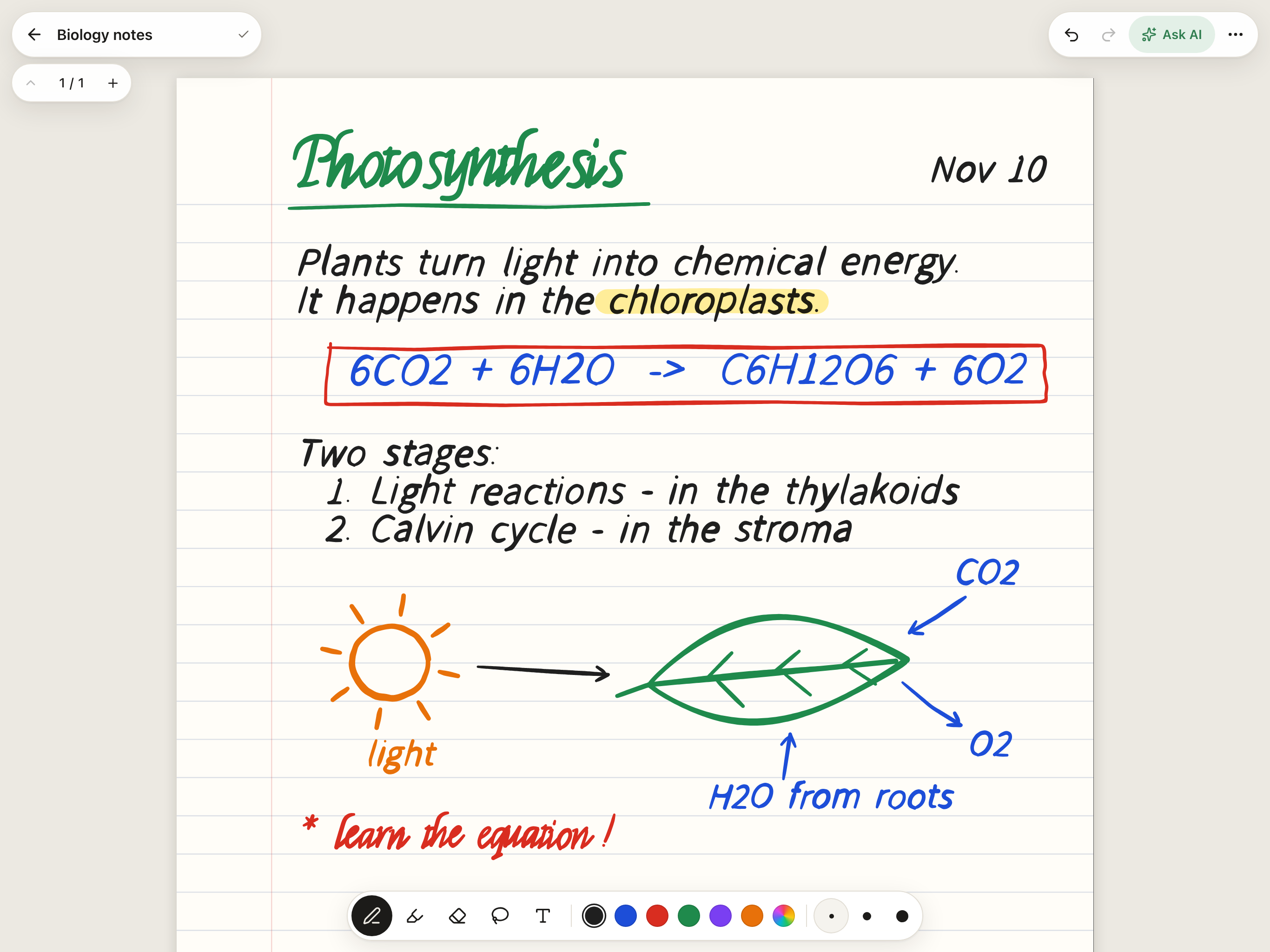 A full page of notes. Pressure ink, highlighter, six pen colours and three thicknesses (sample notes). |
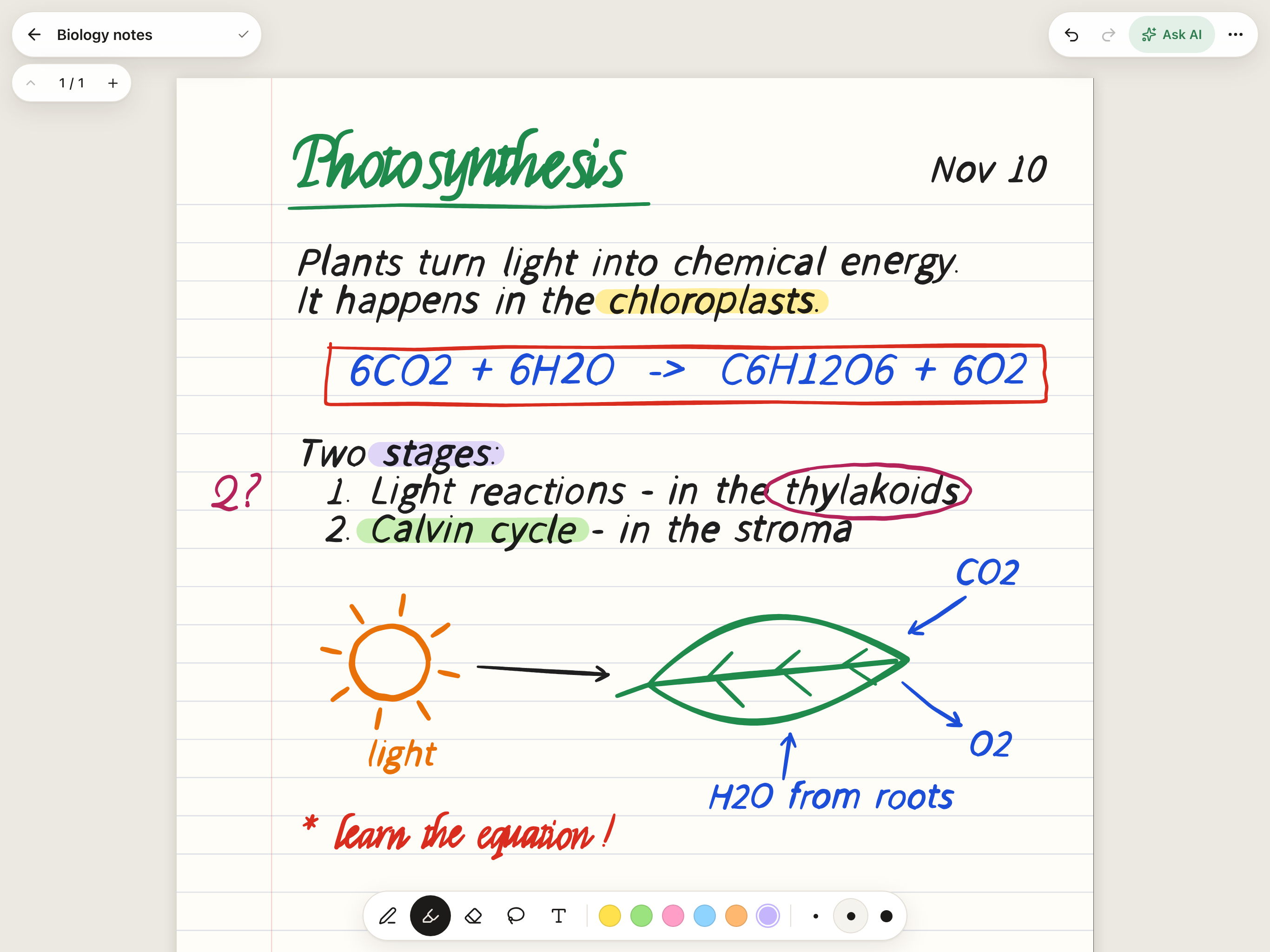 Any colour you want. Presets plus a custom colour per tool, picked with the system colour picker. |
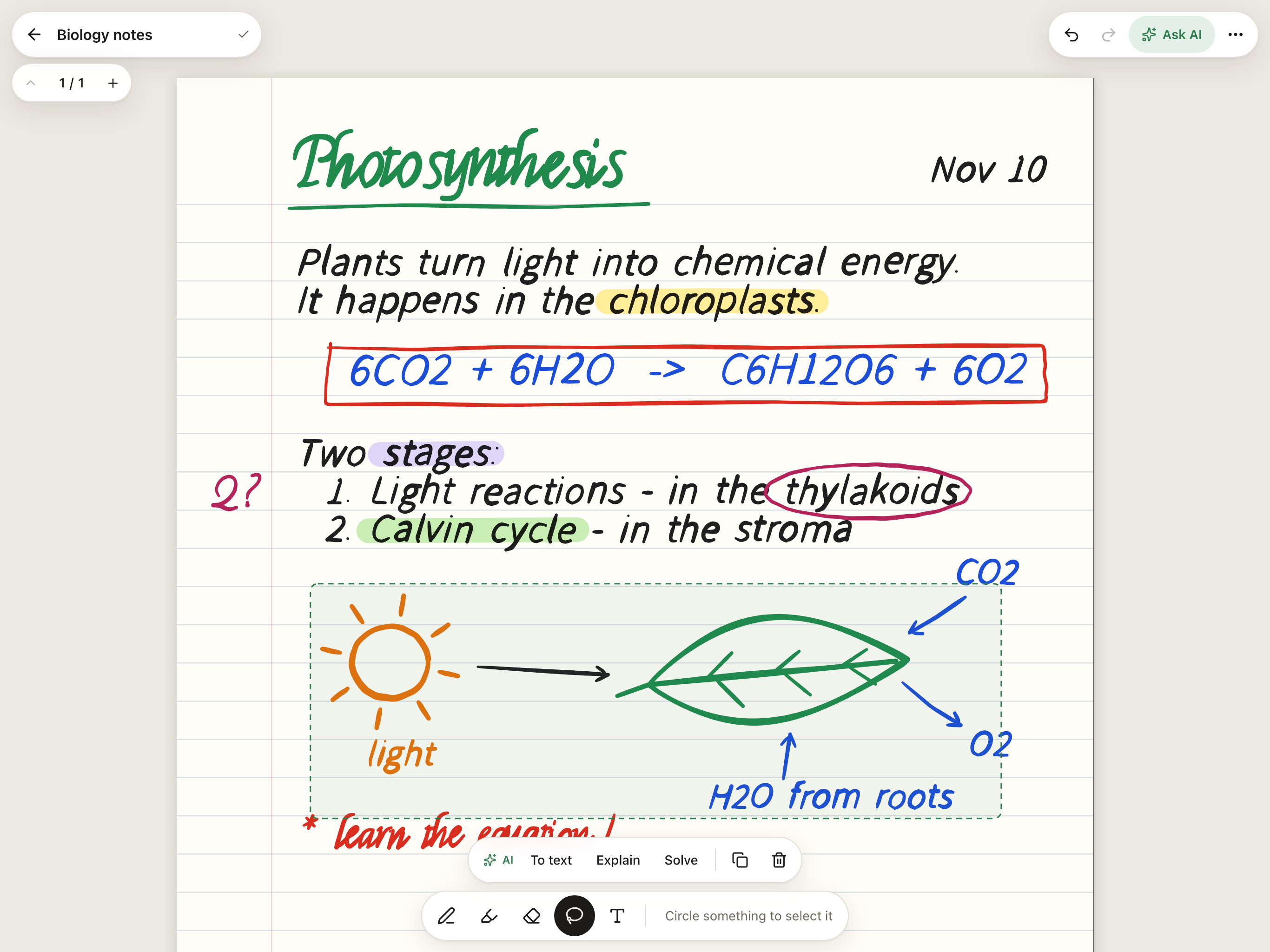 Lasso to move, copy or delete. Or ask AI to turn the selection into text, explain it or solve it. |
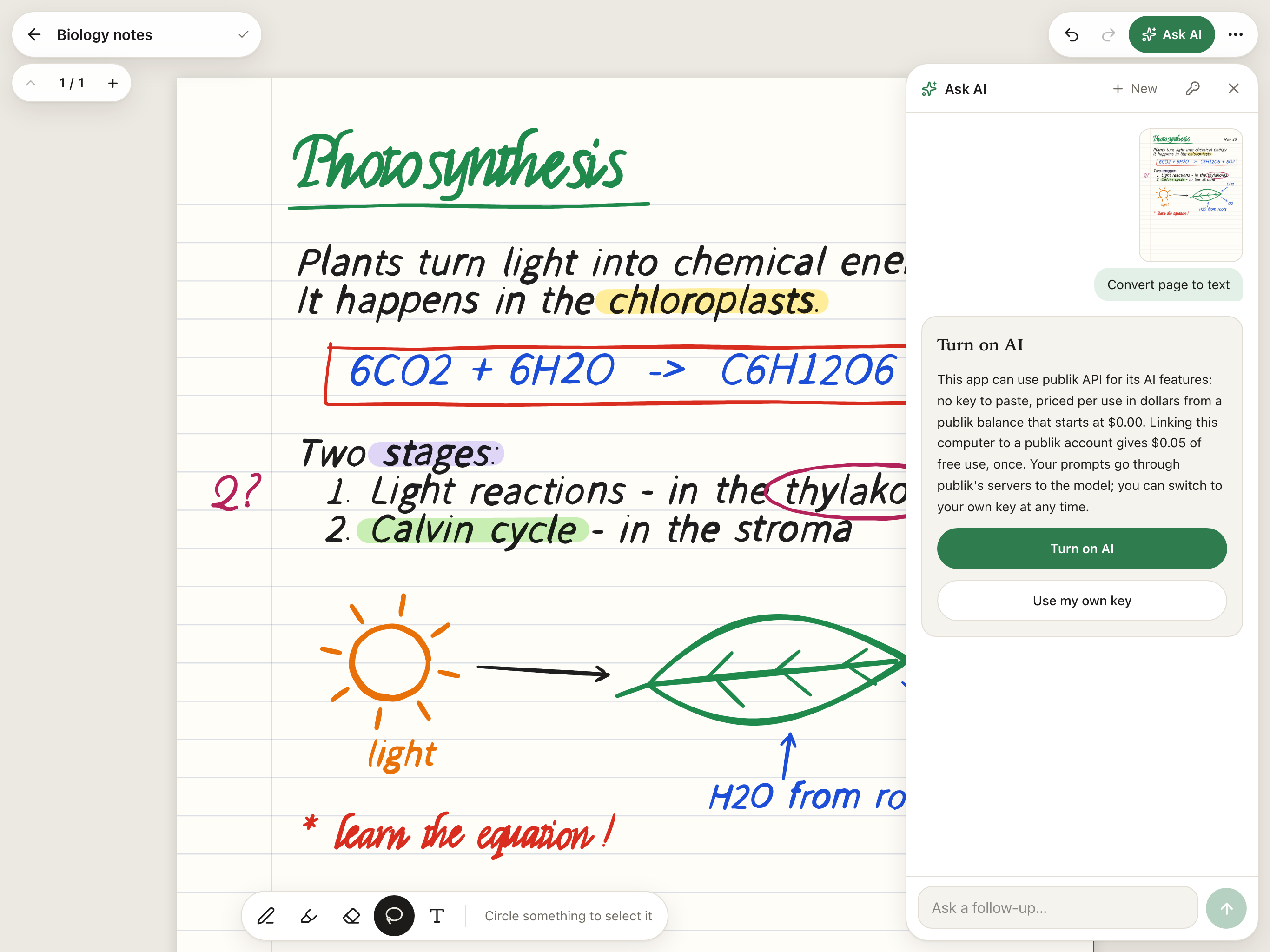 AI is opt-in. Turn it on with publik API, or paste your own OpenAI or Anthropic key. Shown before any request is made. |
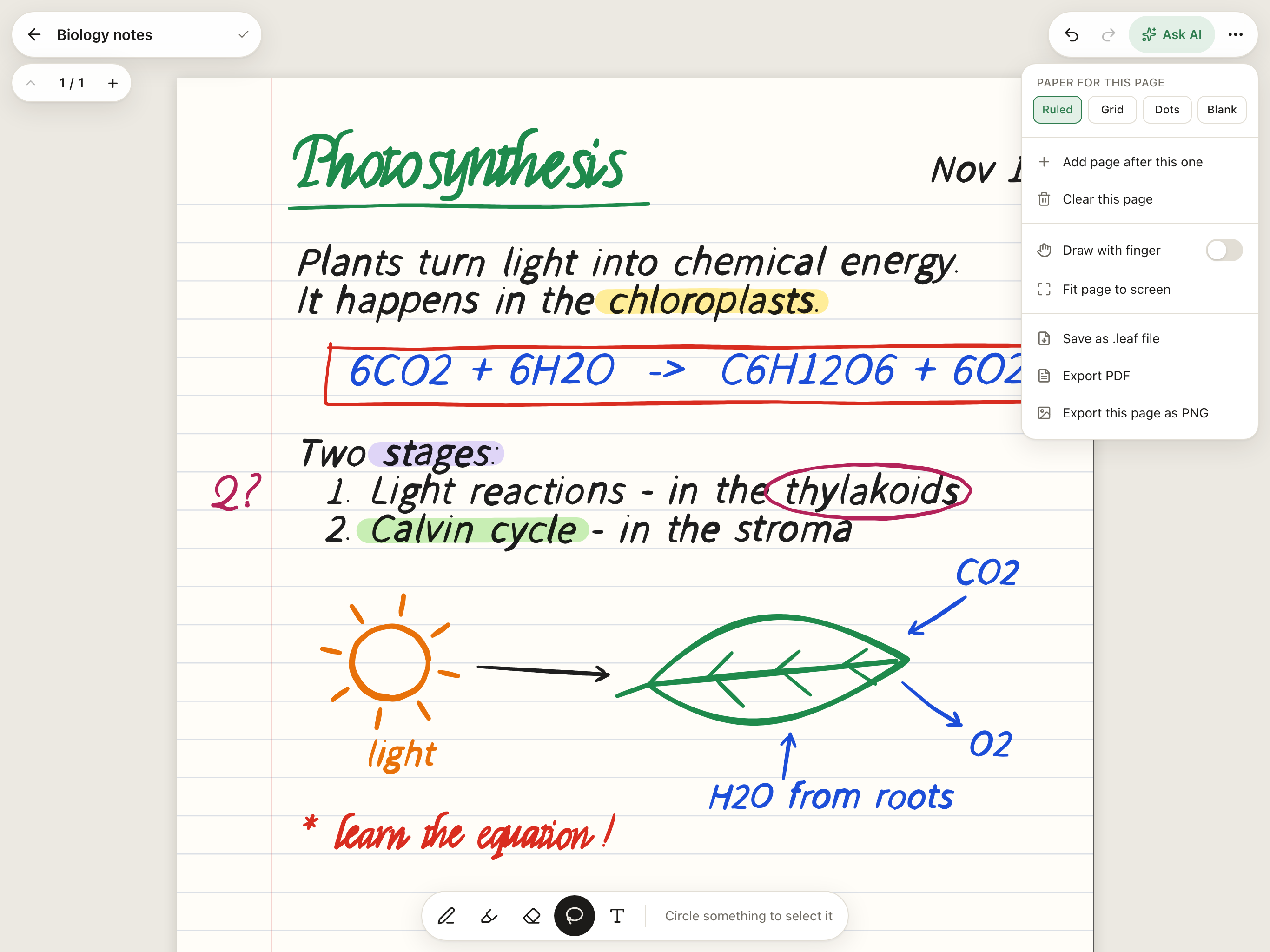 Pages and paper. Ruled, grid, dots or blank; add pages; export PDF, PNG or a portable .leaf file. |
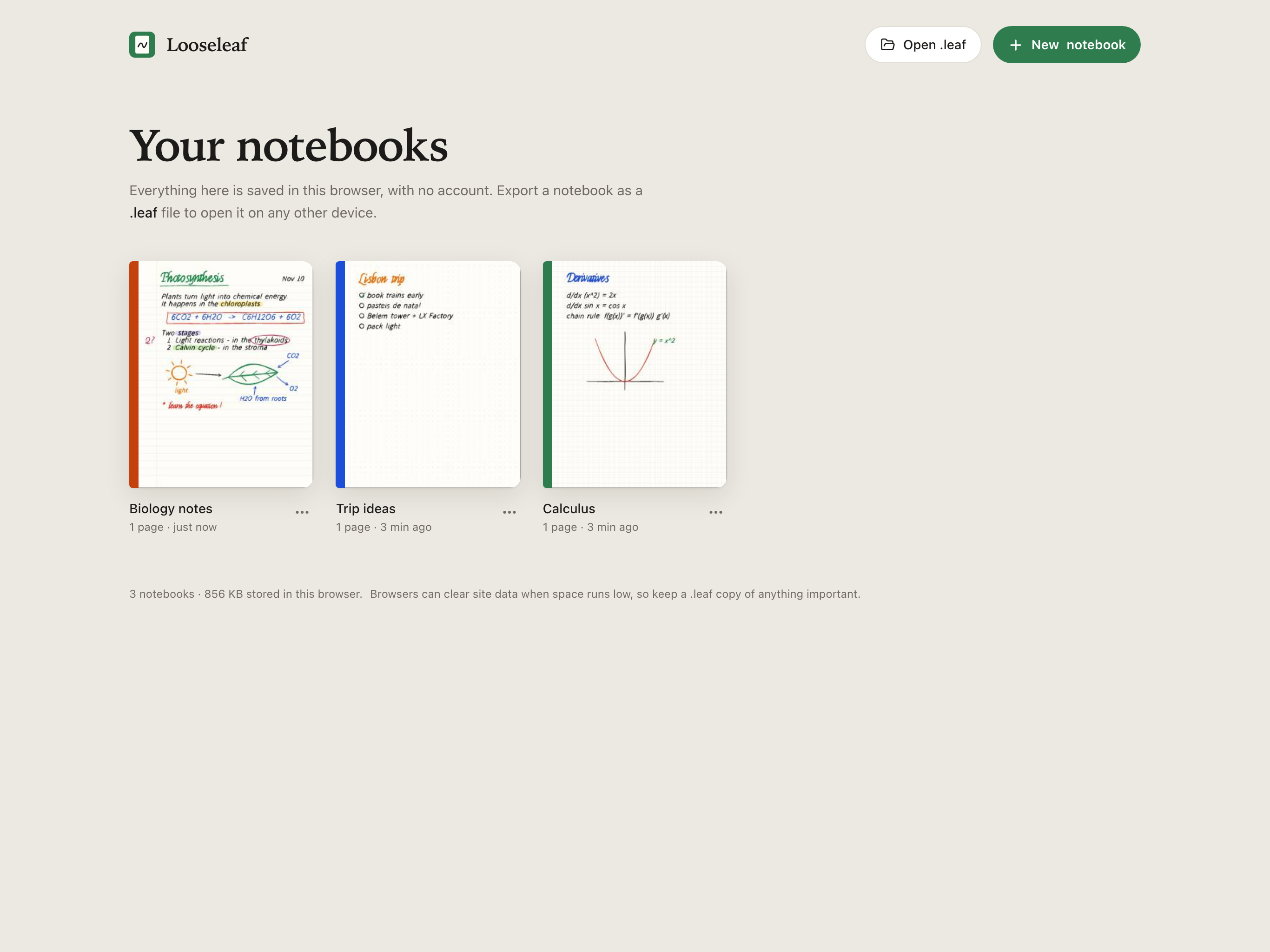 Your notebooks, in your browser. No sign-up; everything is stored on the device (sample notebooks). |
What you get
- No sign-up. Open it and write. Notebooks are saved in your browser (IndexedDB).
- Unlimited notebooks and pages, no watermark on exports.
- Portable
.leaffiles. Export a notebook, open it on any other device. The format is plain JSON (see below). - Pencil-first input. Pressure-sensitive ink, palm rejection, one-finger scroll and pinch zoom once a Pencil is detected. Works with a mouse or finger too. (This is v0.1: the Pencil handling has not had a tuning pass on a real iPad yet, so issues are very welcome.)
- AI that reads your handwriting. Lasso some ink and convert it to text, have it explained, or get a maths problem solved. Ask questions about a whole page, make flashcards, get quizzed.
- Works offline after the first visit (AI needs a connection). Add it to the iPad Home Screen for a full-screen app.
Compared with Goodnotes
Goodnotes is a polished native app with years of features. Looseleaf is a small, free web app that covers everyday handwritten notes. Here is the honest picture (Goodnotes plans as listed on goodnotes.com/pricing, November 2026):
| Looseleaf | Goodnotes | |
|---|---|---|
| Price | Free, open source (MIT) | Free plan; Essential $11.99/year; Pro $35.99/year; one-time Special Edition on Apple devices |
| Free limits | None: unlimited notebooks and pages | Free plan: 3 files, 3 folders, 5 MB imports, watermarked exports |
| Account | None | Goodnotes account for Windows, Android and web libraries and for cloud features |
| Where it runs | Any modern browser: iPad, Mac, PC, Android tablet | Native apps for iPad, iPhone and Mac, plus Android, Windows and web |
| Handwriting | Pressure ink, highlighter, eraser, lasso (move, copy, delete), typed text, custom colours | All of that plus shapes, stickers, tape, elements and more |
| Paper | Ruled, grid, dots, blank | Many paper templates and covers, plus template marketplace |
| PDF import and annotation | Not yet | Yes |
| Audio recording | No | Yes (20 minutes on the free plan) |
| Handwriting search | No | Yes |
| Sync and collaboration | No cloud; move notebooks with .leaf files | Cloud sync; real-time collaboration on Pro |
| Export | PDF, PNG, .leaf (JSON), no watermark | PDF and more; watermark on the free plan |
| AI on your notes | Opt-in: pay-per-use via publik API, or your own OpenAI/Anthropic key | Goodnotes AI: limited on the free plan, more with Pro or the AI Pass add-on |
| Where notes live | Only in your browser, unless you export | On device and in Goodnotes cloud |
If you need PDF annotation, audio or sync today, Goodnotes does more. If you want a free notebook with no limits and no account, Looseleaf is for you.
Run it
npm install
npm run dev
Then open http://localhost:3000. For a production build: npm run build && npm start.
AI
AI features go through publik API, so users need no key: they press "Turn on AI", and linking a publik account gives a little free use. Anyone can instead paste their own OpenAI or Anthropic API key under the key icon in the AI panel; it is stored only in that browser. ChatGPT and Claude subscriptions are not API keys and cannot be used.
Server environment variables (all optional):
| Name | Purpose |
|---|---|
PUBLIK_APP_TOKEN | The app's public publik token. Overrides publik-app-token.txt. |
PUBLIK_API_KEY | Use one fixed publik key for every request (handy for local testing). |
PUBLIK_API_BASE_URL | Override the publik API base URL. |
LOOSELEAF_HOSTED | Set to 1 when you host this for other people anywhere but Vercel, so each visitor gets their own publik install (kept in a cookie) instead of sharing the server's. |
What is sent: only the page image (or the lassoed part) and your question, and only when you ask. Notes are never uploaded otherwise.
The .leaf format
A .leaf file is one JSON object:
{
  "format": "looseleaf",
  "version": 1,
  "id": "…", "title": "Physics", "cover": "#2F7D4F",
  "createdAt": 1794300000000, "updatedAt": 1794300000000,
  "pages": [
    {
      "id": "…",
      "paper": "ruled",            // blank | ruled | grid | dots
      "items": [
        // pts is a flat list of x, y, pressure triples; a page is 816 × 1056 units
        { "id": "…", "type": "stroke", "tool": "pen", "color": "#1F1F1F", "size": 4, "real": true, "pts": [120, 200, 0.4, 121.5, 201, 0.5] },
        { "id": "…", "type": "text", "x": 100, "y": 300, "w": 420, "size": 18, "color": "#1F1F1F", "text": "Typed text" }
      ]
    }
  ]
}
Readers should skip item types they do not know.
Shortcuts
P pen · H highlighter · E eraser · L lasso · T text · ⌘Z / ⇧⌘Z undo and redo · ⌘D duplicate selection · Delete remove selection · hold Space and drag to pan · ⌘/Ctrl + scroll to zoom.
Not in this version
PDF import and annotation, audio recording, real-time collaboration, handwriting search, shape snapping, accounts and cloud sync.
Stack
Next.js (App Router), TypeScript, Tailwind, perfect-freehand for stroke geometry, jsPDF for PDF export.
MIT licensed.