BetterCast
Turn any device into a second display. For free.
not yet reviewed by publik

How to install BetterCast
Every step written out, for people who have never opened a terminal. Pick the setup you have.
README
Open in GitHubBetterCast
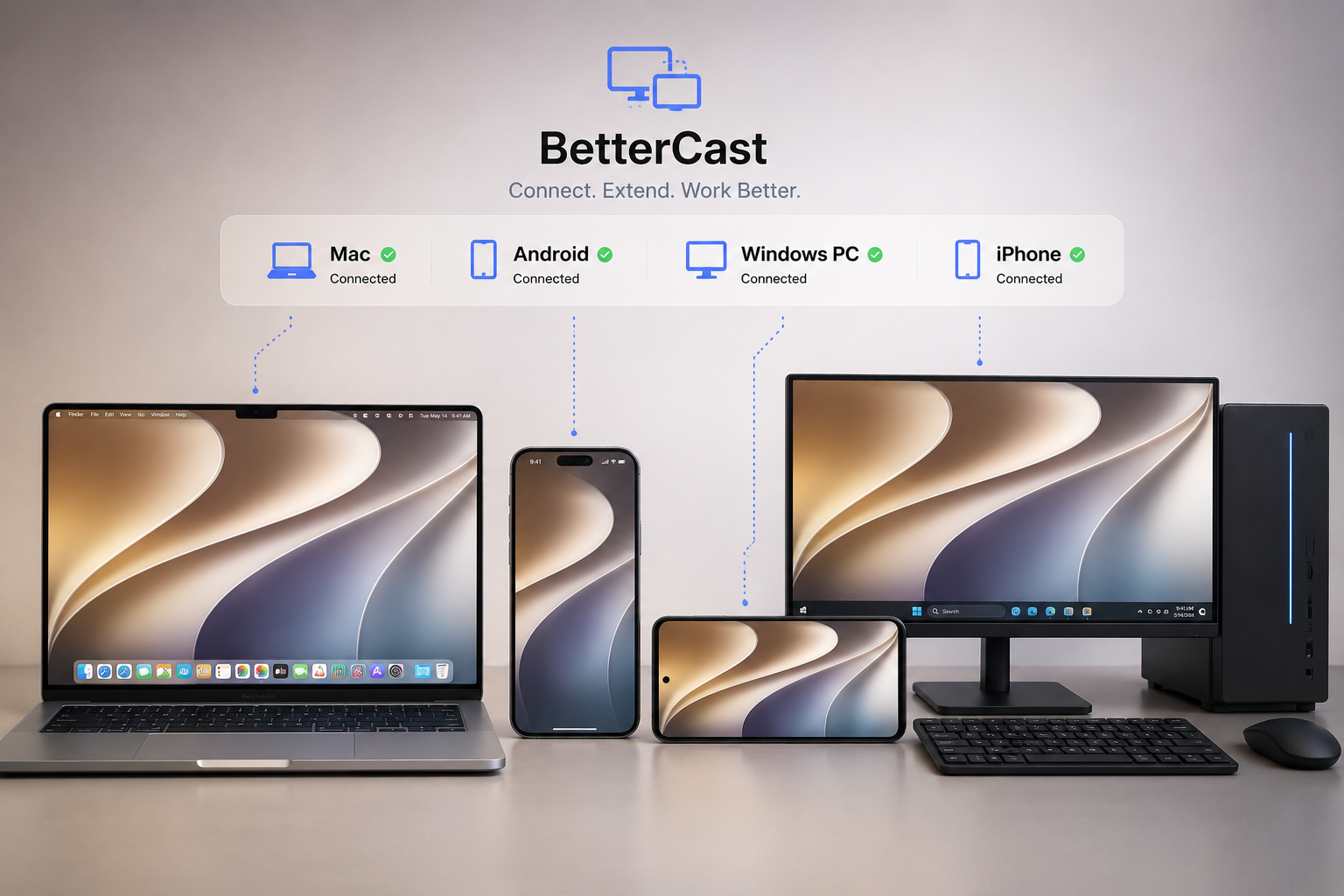
BetterCast is an open-source screen extension app that turns almost any device into a wireless extra display for your Mac or Windows PC. Think Sidecar or AirPlay Receiver — but cross-platform and built for hardware Apple no longer supports, right down to using an old 5K iMac as a Thunderbolt display.
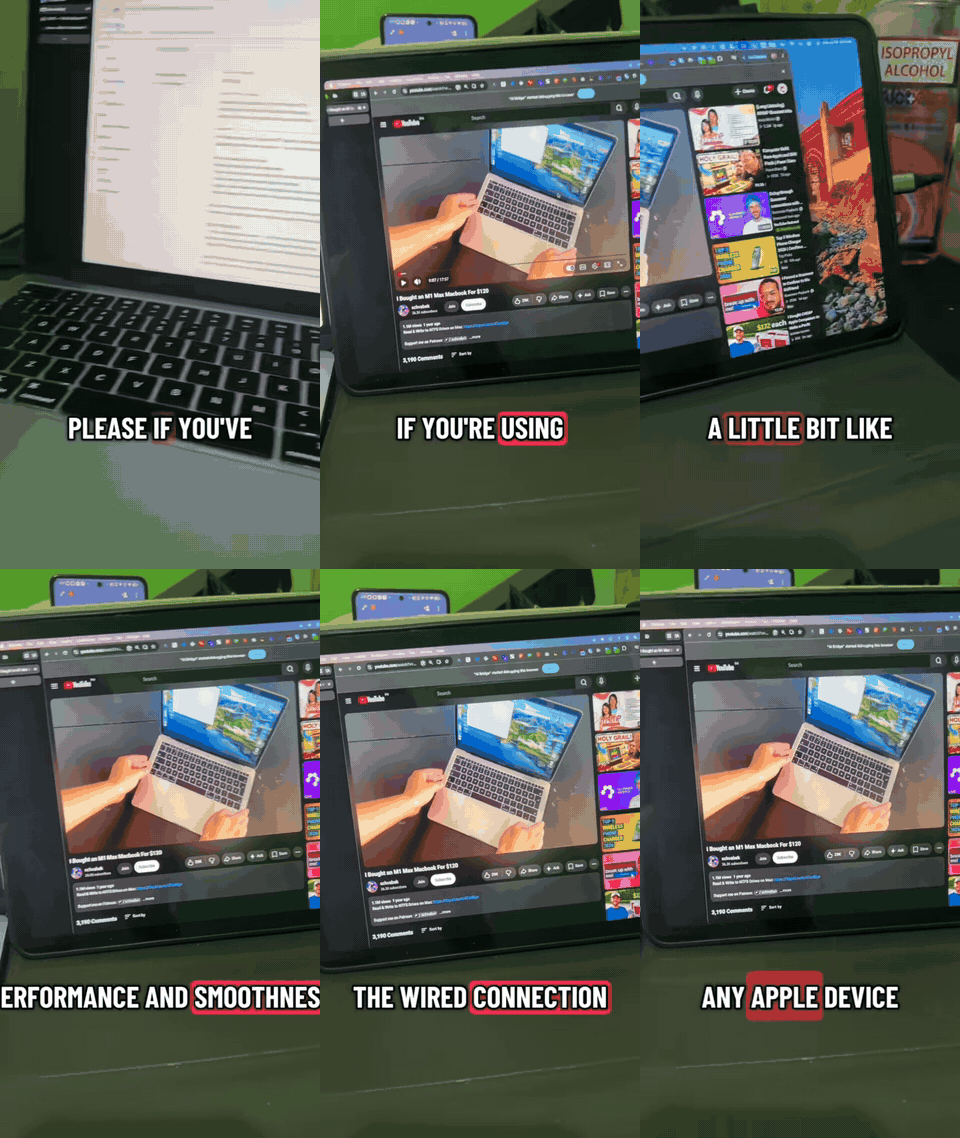
▶ Watch the full demo on YouTube
Why BetterCast?
Every screen-extension tool picks a lane: Sidecar is iPad-only and wants both devices on the same Apple ID, OpenDisplay is Apple-to-Apple, spacedesk is Windows-to-mobile, Duet moved to a subscription, Luna needs a hardware dongle. BetterCast is the one that doesn't pick a lane: it sends from your Mac (Windows sender in beta) and receives on everything — iPhone, iPad, Android, Windows, Linux, or another Mac — with audio, multi-device, and HEVC already shipped, free and GPLv3.
| BetterCast | Apple Sidecar | OpenDisplay | Duet Display | Luna Display | spacedesk | |
|---|---|---|---|---|---|---|
| Price | Free, open source | Free (built in) | Free, open source | Subscription | Hardware dongle | Free (closed source) |
| Host (sender) | Mac, Windows (beta) | Mac | Mac | Mac & Windows | Mac & Windows | Windows |
| iPhone / iPad receiver | ✅ | iPad only¹ | ✅ | ✅ | iPad only | ✅ |
| Android receiver | ✅ | ❌ | Community forks² | ✅ | ❌ | ✅ |
| Windows receiver | ✅ | ❌ | ❌ | ✅ | ❌ | ✅ |
| Linux receiver | ✅ | ❌ | ❌ | ❌ | ❌ | ❌ |
| Mac as receiver | ✅ | ❌ | Planned | ✅ | ✅ | ❌ |
| Audio streaming | ✅ | ❌ | Planned | ✅ | ❌ | ✅ |
| Multiple displays at once | ✅ | ❌ | ✅ | — | ❌ | ✅ |
| Direct P2P, no router | ✅ (AWDL) | ✅ | ❌ | ❌ | — | ❌ |
| Wired USB | Android (ADB) | ✅ | ✅ (iPhone/iPad) | ✅ | ✅ | ✅ |
| No account needed | ✅ | Same Apple ID | ✅ | Account required | — | ✅ |
¹ Sidecar requires both devices signed into the same Apple ID, and supports only recent iPad models. ² Independent community projects extend OpenDisplay with Android and iOS 12 receivers, plus a Linux/Wayland sender — not shipped by the official app, but they exist and work. "—" means not documented by the vendor at the time of writing. Spotted an error? Please open an issue — this table is meant to be fair.
If your setup is all-Apple and wired USB to an iPhone matters most, OpenDisplay is a solid open-source choice. BetterCast is for everyone whose spare screens didn't all come from one company — see ACKNOWLEDGMENTS.md for open-source projects whose ideas informed this one.
How It Works
BetterCast is a single unified Mac app that does both jobs: it can send your screen to other devices (creating a virtual display per receiver) and receive screens from other Macs in a separate window. Receivers on iOS, Windows, Linux, and Android are dedicated apps.
Each connected receiver gets its own virtual display with independent resolution, input handling, and optional audio streaming.
Supported Platforms
| Platform | Role | Connection | Download |
|---|---|---|---|
| macOS | Sender + Receiver | P2P Direct / WiFi | bettercast.online |
| iOS / iPadOS | Receiver | P2P Direct (AWDL) / WiFi | bettercast.online |
| Windows | Sender (beta) + Receiver | WiFi | bettercast.online |
| Linux | Receiver | WiFi | bettercast.online |
| Android | Receiver | WiFi / ADB USB | bettercast.online |
The macOS DMG is notarized and signed with an Apple Developer certificate.
Features
- Multi-device — Connect multiple receivers simultaneously, each with its own virtual display
- Cross-platform input — Mouse and keyboard pass-through from any receiver back to the Mac
- Audio streaming — Optional per-device AAC-LC audio forwarding (128 kbps stereo)
- Adaptive quality — Per-link tuning: AWDL P2P runs 60 FPS at full bitrate; WiFi infrastructure runs 30 FPS at the user-selected bitrate (default 20 Mbps) with shorter keyframe intervals for faster recovery on lossy links; ADB tunnels match P2P quality
- Zero-config for Apple devices — iOS/Mac receivers are discovered automatically via AWDL (no WiFi network needed)
- mDNS discovery — Windows/Linux/Android receivers are discovered automatically when on the same network
Networking
BetterCast uses TCP (port 51820) for the primary video/audio stream and UDP (port 51821) for chunked frame delivery. Service discovery uses mDNS (_bettercast._tcp).
- Apple-to-Apple: Uses AWDL (Apple Wireless Direct Link) for a direct P2P connection — no WiFi router needed
- All other platforms: Requires both devices to be on the same WiFi/LAN network
- Hotspot: If no shared network is available, create a hotspot on any device and connect the Mac to it
Wire Protocol
Frames are sent as length-prefixed TCP messages with a 1-byte type tag:
[4-byte big-endian length] [1-byte type] [payload]
  type 0x01 = H.264 video (AVCC NALUs, no Annex B start codes)
  type 0x02 = AAC-LC audio (raw frames, no ADTS header)
Legacy receivers (pre-1.3 iOS / Mac Swift) use a different framing without the type byte; the desktop receiver auto-detects the format on the first frame of each connection.
Release Notes
See docs/release-notes/ for per-version notes (v5–v8).
Localization
The macOS app follows your system language. English, Simplified Chinese, Japanese, Korean, German, and French ship today, and community translations are welcome — adding a language is a single-file pull request. See localization/README.md.
Support the Project
BetterCast is free and open source. If you find it useful and want to support development, you can donate here:
Disclaimer
USE AT YOUR OWN RISK.
This software is provided "as is", without warranty of any kind, express or implied. We are not responsible for any damages to your devices, data loss, or other issues that may occur while using this application.
BetterCast is fully open source. We encourage users to audit the code for safety and security. If you find any issues, please report them or contribute a fix.
License & Contribution
BetterCast is licensed under the GNU General Public License v3.0 (GPLv3).
Why GPLv3?
We believe in the freedom of software and the collective benefit of open collaboration. We choose GPLv3 to specifically:
- Prevent restrictive forks: Anyone who modifies and distributes this code must also share their changes under the same license. You cannot take this open source project, modify it, and sell it as a closed-source product.
- Encourage contribution: We welcome contributions! By keeping the source open, we ensure that improvements benefit everyone.
We strongly encourage safety and transparency. If you are contributing, please ensure your code adheres to safety standards and respects user privacy.