Ambient
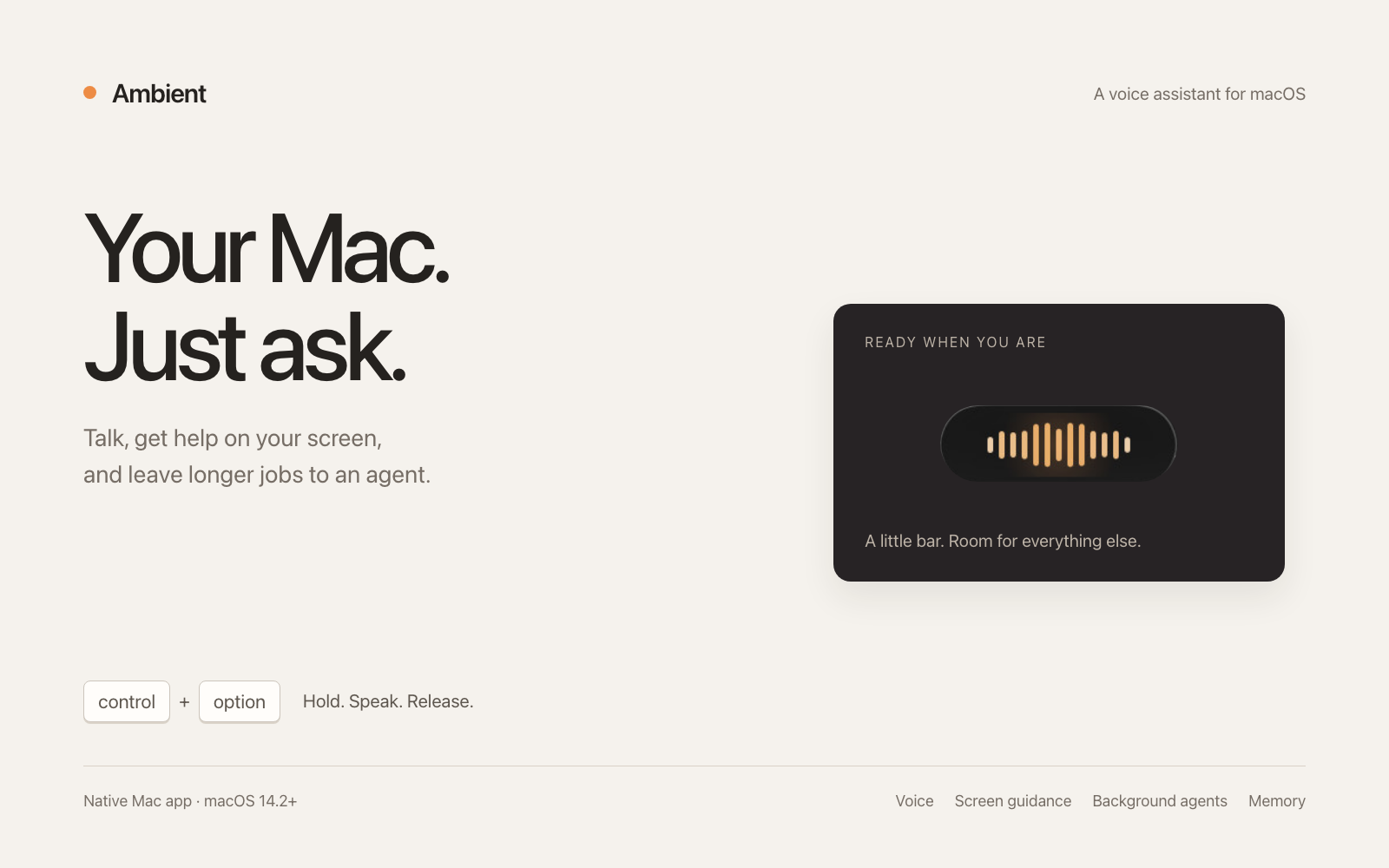
A voice assistant for the Mac that lives in a bar at the edge of your screen.
AI: publik API or your key
publik verified: the founder reviewed this exact version for malware and approved it
Updates itself The app installs new versions itself, each one after publik's scan clears it.
by 
Where Ambient’s AI runs, and what it costs
Prices are for one typical use: one request of about 1,500 words sent and 375 words back. A higher quality score is better.
On your computer
Not checked yet: publik has not read whether Ambient can run its AI on your computer.
publik API
- Price
- $0.0180 per use, $18.00 per 1,000 usespublik-smart, the level Ambient uses most
- Quality
- GPT-6 Sol: 48
- Setup
- Built in. No key to paste; link your publik account and start the 7-day free trial to try it.
Your own key
- Price
- $0.0090 per use, $9.00 per 1,000 usesGPT-6 Sol at OpenRouter’s list price, before its fee for buying usage
- Quality
- GPT-6 Sol: 48
- Setup
- Open a provider account, add a card, paste the key into Ambient.
Quality and price, side by side
| Model | Quality | Per 1,000 uses |
|---|---|---|
| On your computer (Ollama, 4-bit download size) | ||
| Granite 4.2 3B2.2 GB | 9 | $0 |
| Phi-4 Mini2.5 GB | 6 | $0 |
| Llama 3.1 8B4.9 GB | 7 | $0 |
| gpt-oss 20B14 GB | 9 | $0 |
| Gemma 4 31B20 GB | 19* | $0 |
| Qwen3.5 35B-A3B24 GB | 19* | $0 |
| publik API | ||
| publik-fastGLM-5.3 Flash | 42 | $1.00 |
| publik-balancedMiMo-V2.6-Pro | 46 | $10.00 |
| publik-smartGPT-6 Sol · Ambient | 48 | $18.00 |
Quality: Artificial Analysis Intelligence Index v4.3.2, read 2026-09-22 (publik API models 2026-09-25); * = estimated by Artificial Analysis. Sizes: the Ollama library, read 2026-09-22.
What you pay for
- On your computer: nothing per use. You pay in disk space, memory and electricity, at lower quality.
- publik API: publik’s published price for each use, in dollars, from your publik balance. It is above the model’s cost; the difference runs publik and pays the app’s builder.
- Your own key: the provider’s price, billed to an account you keep with the provider.
README
Open in GitHubAmbient
Ambient is a voice assistant for the Mac that lives in a small translucent bar at the edge of your screen. Hold two keys, say what you want, and let go. It answers out loud, works in your connected apps, and can hand longer jobs to background agents, all without taking over your desktop.
It is a native macOS app (Swift, SwiftUI and AppKit), forked from Clicky under the MIT license.
What it does
- Talk to it. Hold Control+Option, speak, release. Speech is recognised on your Mac when possible, and replies are spoken as they are written.
- A bar, not a window. The bar docks to any of the four screen edges. Drag it where you want it.
- Shows you on your screen. Ask where something is or how to do something and Ambient looks at your screen, then points or draws on it: arrows, circles, boxes, captions, even sketches. Drawings stay until you remove them.
- Connected apps (source builds only for now). Gmail, Calendar, Slack, GitHub, Notion and hundreds more through Composio, signed in from your browser with no API keys. The downloadable build does not include this yet: it needs the connector service, which is not hosted. See
connector/to run it yourself. - Background agents. Ask it to start an agent for research or a coding task. The agent runs headless on your publik account while you keep working, and reports back in the bar. If you have Codex or Claude Code installed, you can ask for those by name.
- It learns. Ambient remembers what matters as you use it, and you can see, edit or delete everything it knows. Skills are plain
SKILL.mdfolders you can add your own to. - A guided tour. First launch walks you through each of these on your real desktop.
Requirements
- macOS 14.2 or later
- A publik account. Ambient opens with Sign in with publik, which provides the AI, web search, transcription and speech.
Ambient asks for Microphone, Accessibility (for the global shortcut) and Screen Recording (only used when you ask about your screen). Speech Recognition is optional.
Architecture
The app target links the local Swift package Packages/AmbientKit, with one target per subsystem (agent, background agents, connectors, memory and skills, interface), each depending only on a shared contracts target. AGENTS.md describes the architecture and conventions in detail.
cd Packages/AmbientKit && swift test
Privacy
Usage counting: after you sign in, Ambient sends publik two events tied to your install key, app_opened at launch and active_session every 30 minutes while it is running. They carry the app name, version and operating system, and nothing you say, type or see. publik uses them to count weekly users, and you can turn this off in your publik account.
Recordings are transcribed on your Mac when on-device recognition is available. Nothing on your screen is captured unless your request needs it, and captures exclude Ambient's own windows. Memory and skills are stored as readable files under ~/Library/Application Support/Ambient/.
License
MIT. See LICENSE, which keeps Clicky's original copyright alongside Ambient's.